


I never thought much about hidden iPhone volume button features until I realized just how many cool shortcuts those two little buttons can pull off. It blew my mind to learn that these buttons do so much more than just crank up the music or silence an embarrassing ringtone. From snapping photos to scanning documents in a flash, the volume controls really are a gateway to a whole new level of iPhone functionality. If you’re ready to simplify your daily phone routines, stick around—I’m about to share my favorite tips.
1. Capture Photos and Videos with Ease

I used to fumble around tapping my screen every time I wanted to take a quick photo. Then I discovered the volume buttons double as a shutter release. Just press either volume button for an instant snapshot, whether you’re in portrait, panorama, or even burst mode. It also works for video: press once to start recording, again to stop. Believe me, it’ll be a game-changer at your next family gathering.
2. Quick Scans, No Screen Taps Required

Ever tried scanning a document with shaky hands? I definitely have. In apps like Notes or Reminders, your volume buttons can act as a physical button for the scanner. No more awkwardly tapping your screen while trying to steady the camera—it’s just one more way these hidden iPhone volume button features can streamline everyday tasks.
3. Master Your Alarms in a Snap
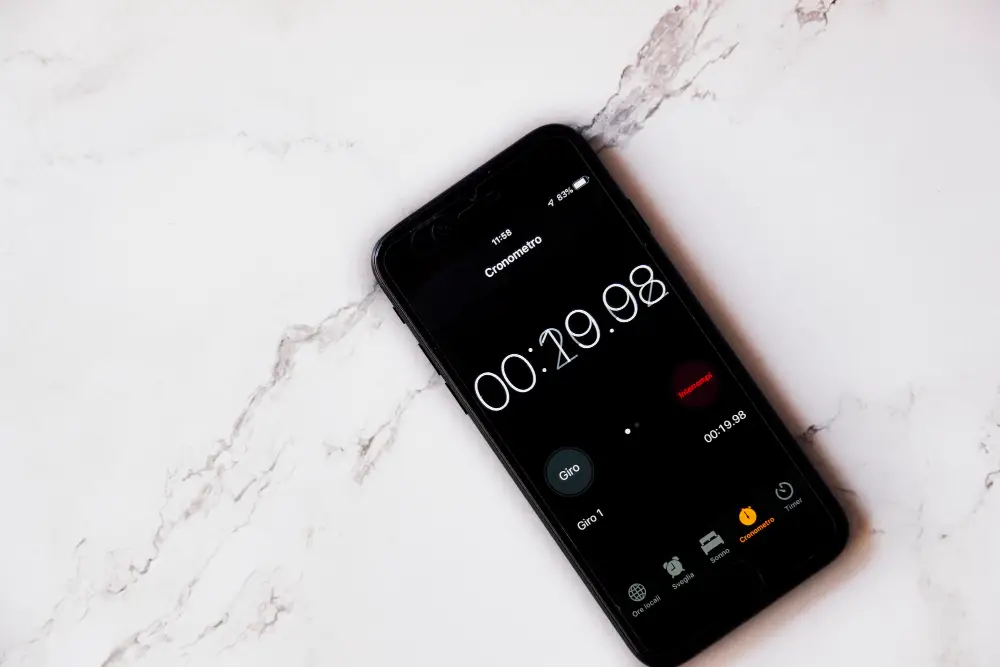
I’m not a morning person, so I’m no stranger to hitting snooze one too many times. With your iPhone volume buttons, you can quickly snooze or silence alarms. It’s perfect when you need those extra precious minutes without fumbling around trying to find the on-screen button.
4. Emergency Services at Your Fingertips
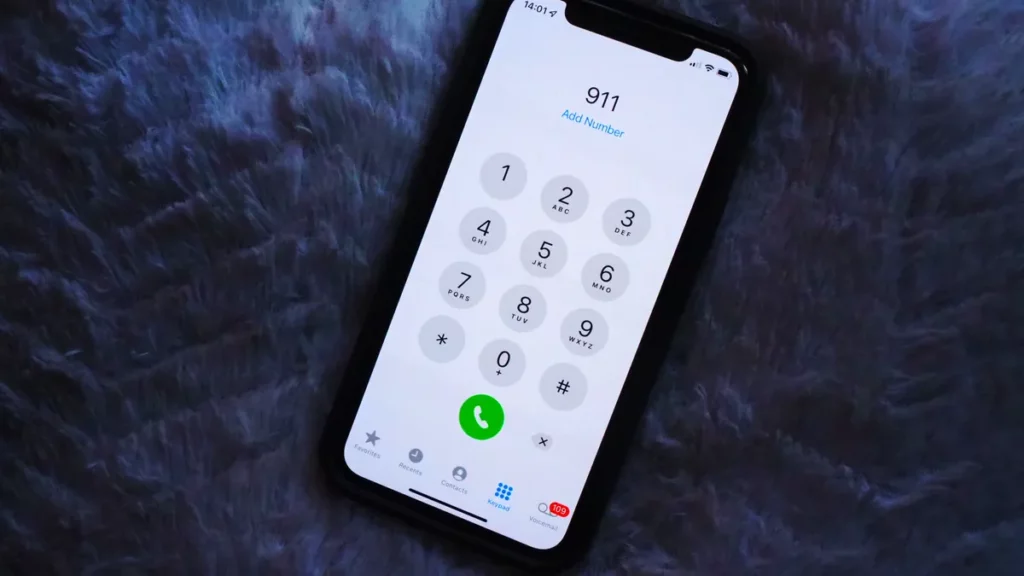
I hope you never need this tip, but it’s incredibly important. Press and hold the side lock button and either volume button to trigger your iPhone’s SOS feature. Once you swipe the SOS icon, you’re connected to emergency services, even if your phone is locked. This function could save a life—yours or someone else’s.
5. Force a Restart When Your Phone Freezes

It’s happened to me more times than I’d like to admit: my iPhone suddenly goes unresponsive. For a quick fix, press the volume up button, then the volume down button, and finally hold the side lock button. This forced restart can often clear whatever glitch caused the freeze.
6. Temporarily Disable Face ID or Touch ID
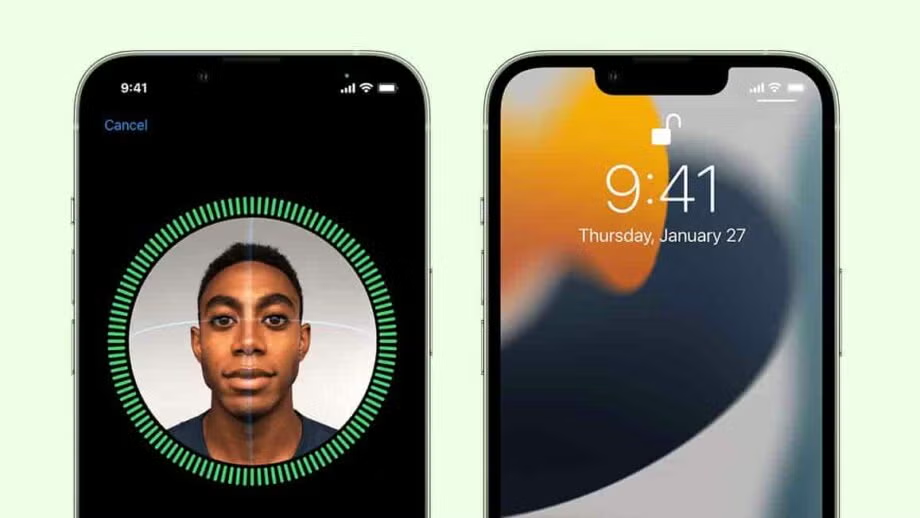
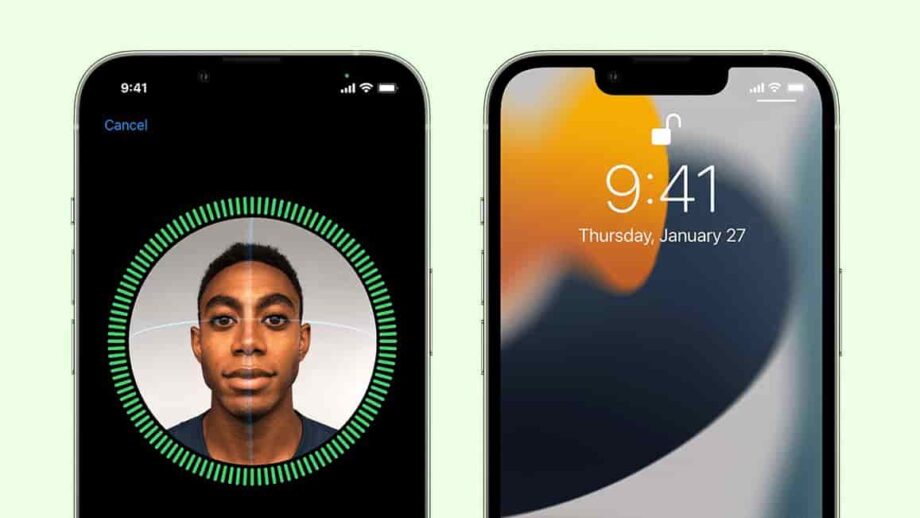
I’ve had moments when I wanted a faster way to lock down my phone. By holding the side lock button and either volume button for about two seconds, you temporarily disable Face ID or Touch ID. It’s a quick way to add a layer of privacy until you’re ready to unlock your phone again.
7. Silence Calls Instantly
Picture this: you’re in a meeting or a movie theater, and your phone starts buzzing. One press of either volume button silences the ringer immediately. This also stops the vibration if you’re in silent mode. It’s one of those hidden iPhone volume button features you’ll use more often than you think.
One Button, Countless Possibilities
I never expected so many hacks from two simple buttons. But the more I explore these hidden iPhone volume button features, the more I appreciate how Apple has packed so much power into such a small part of the device. They’re like your phone’s secret Swiss Army knife, handling everything from photos to emergency services. If you haven’t tried these shortcuts yet, give them a go. You just might find your iPhone life getting a whole lot easier.
Please SHARE this article with your friends and family on Facebook.
Bored Daddy
Love and Peace